Logo
  1. Countingup
  2. Accountant Hub Help
  3. Reconcile my client's data

Articles in this section

  • How do I add journals?
  • How do I view my client’s balance sheet?
  • How do I view my client’s trial balance report?
  • How do I view my client’s profit and loss report?
  • How do I view the sales invoices of a client?
  • How do I categorise my client’s sales invoices?
  • How do I view a client's credit note?
  • How do I view my client’s bills?
  • How do I categorise my client’s bills?
  • Explain the rounding on bills and invoices
See more

How do I view my client’s bills?

To view your client’s bills:

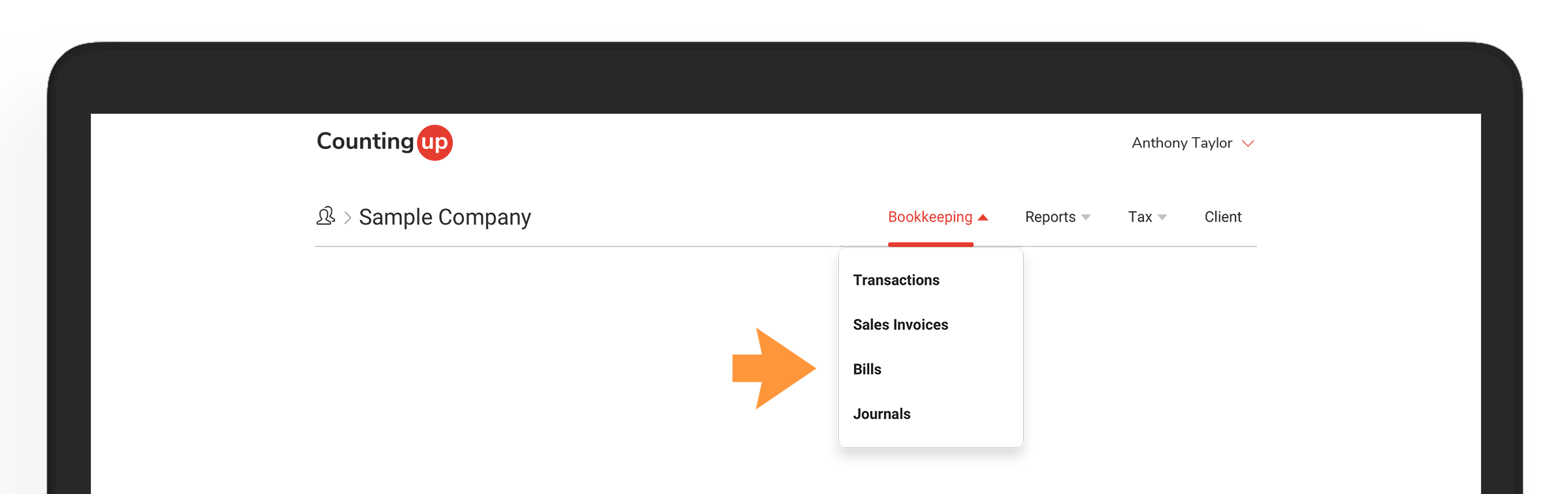
  1. Click the ‘Bookkeeping’ tab in the client navigation and select ‘Bills’ from the dropdown menuView_bills.1_2x.pngView_bills.2_2x.png
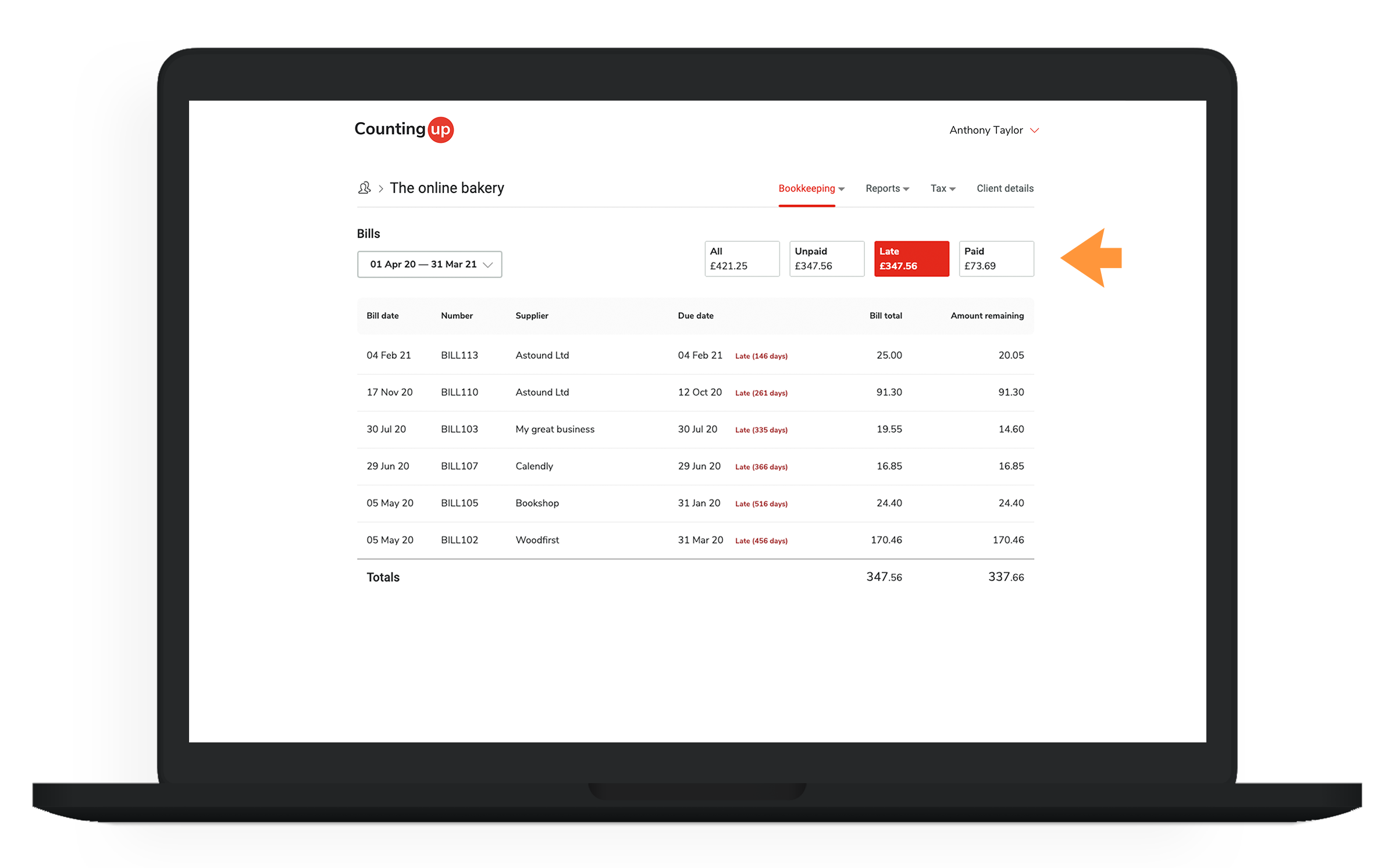
  2. You can filter the bill listing to see only unpaid, late or paid billsView_bills.3_2x.png
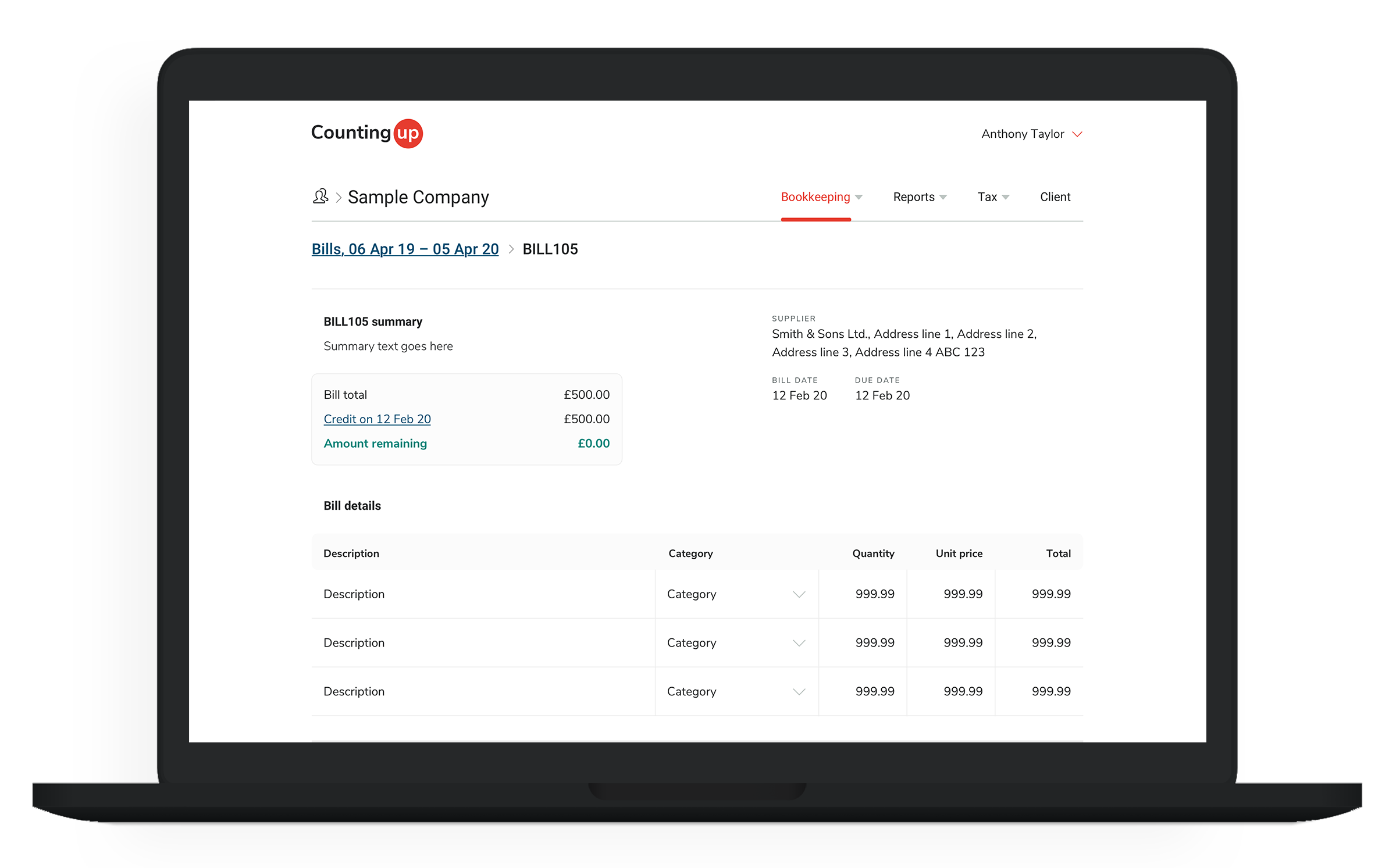
  3. Click on a bill in the listing to view the bill details
View_bills.4_2x.png

  • Facebook
  • Twitter
  • LinkedIn
Was this article helpful?
Return to top

Related articles

  • How do I categorise my client’s bills?
  • Explain the rounding on bills and invoices
  • How do I match a payment to a bill?
Countingup.com Privacy policy Terms System status

© Counting Ltd trading as Countingup. Company number 10729748.