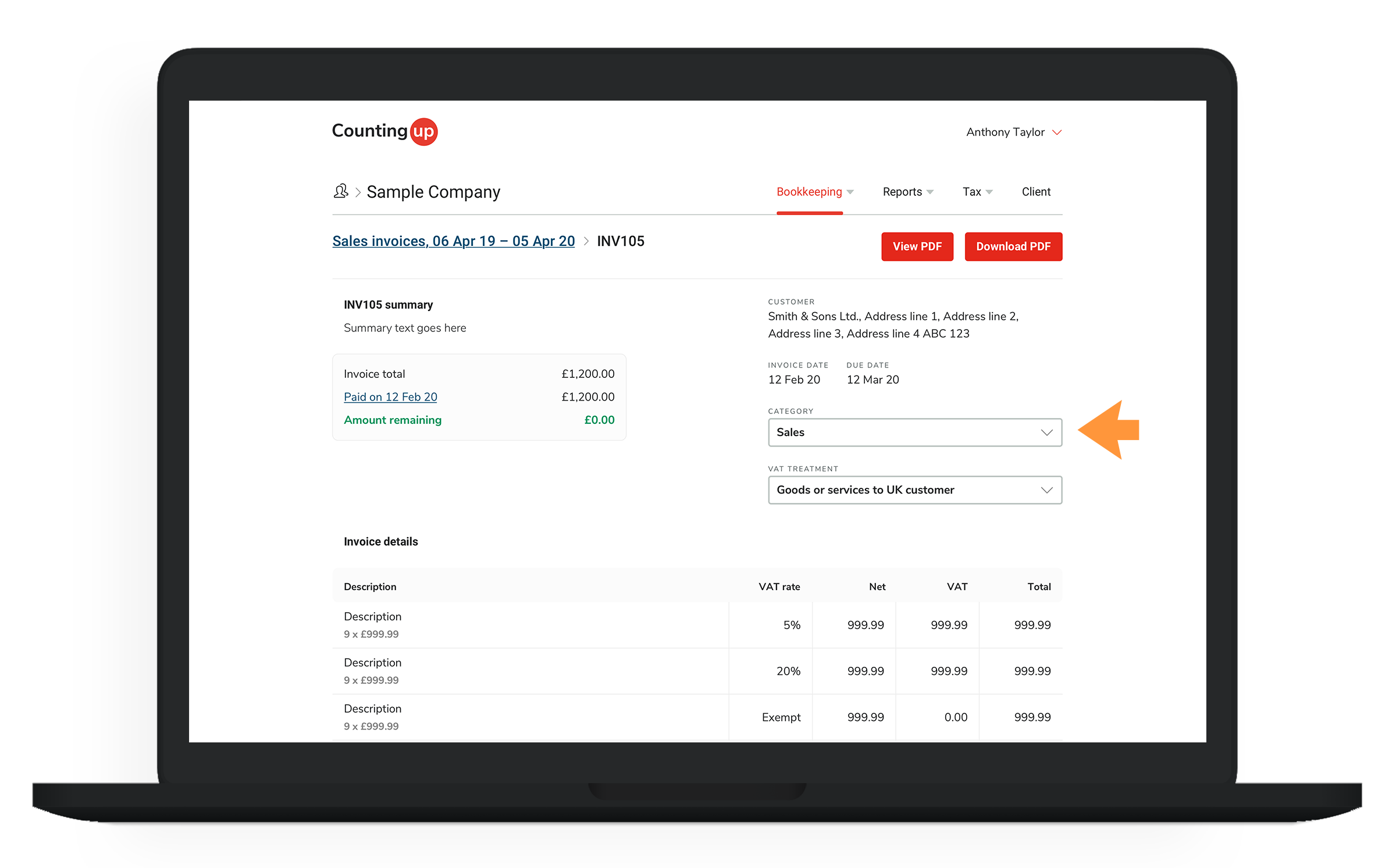
To categorise a client’s sales invoice:
- Click the ‘Bookkeeping’ tab in the client navigation, and select ‘Sales invoices’ from the dropdown menu

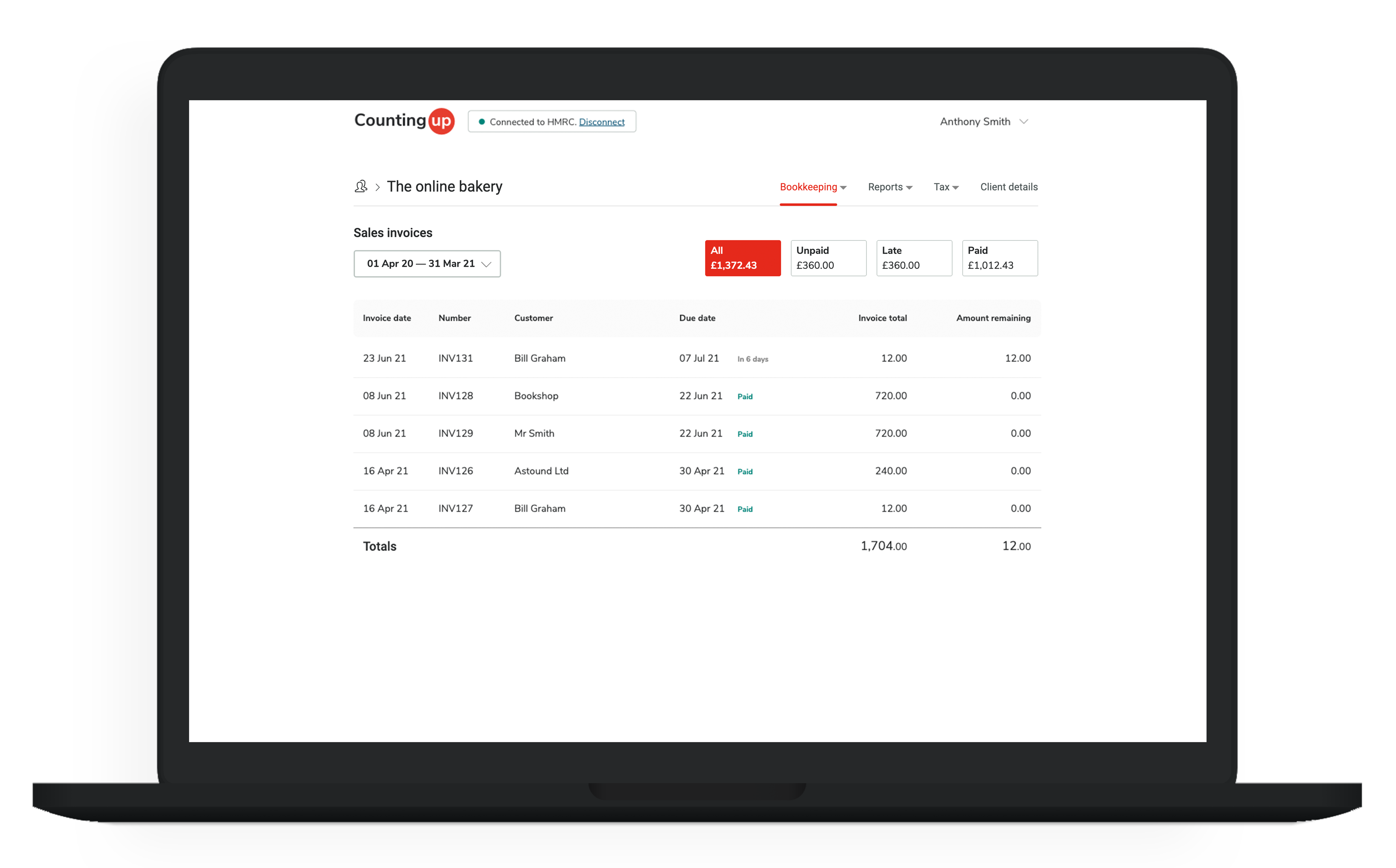
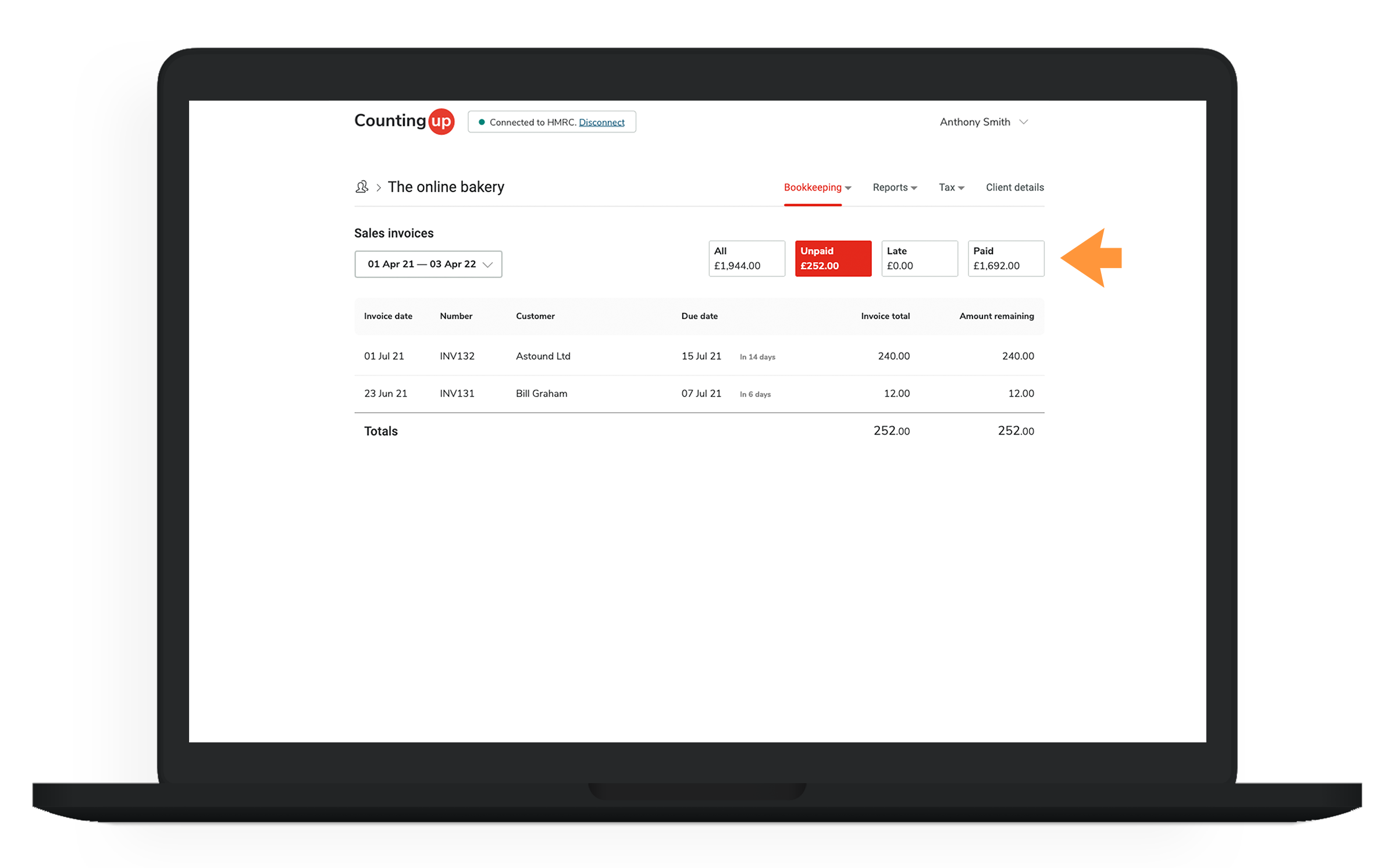
- You can filter the invoice listing to see only unpaid, late or paid invoices
- Click on an invoice in the listing to view the details
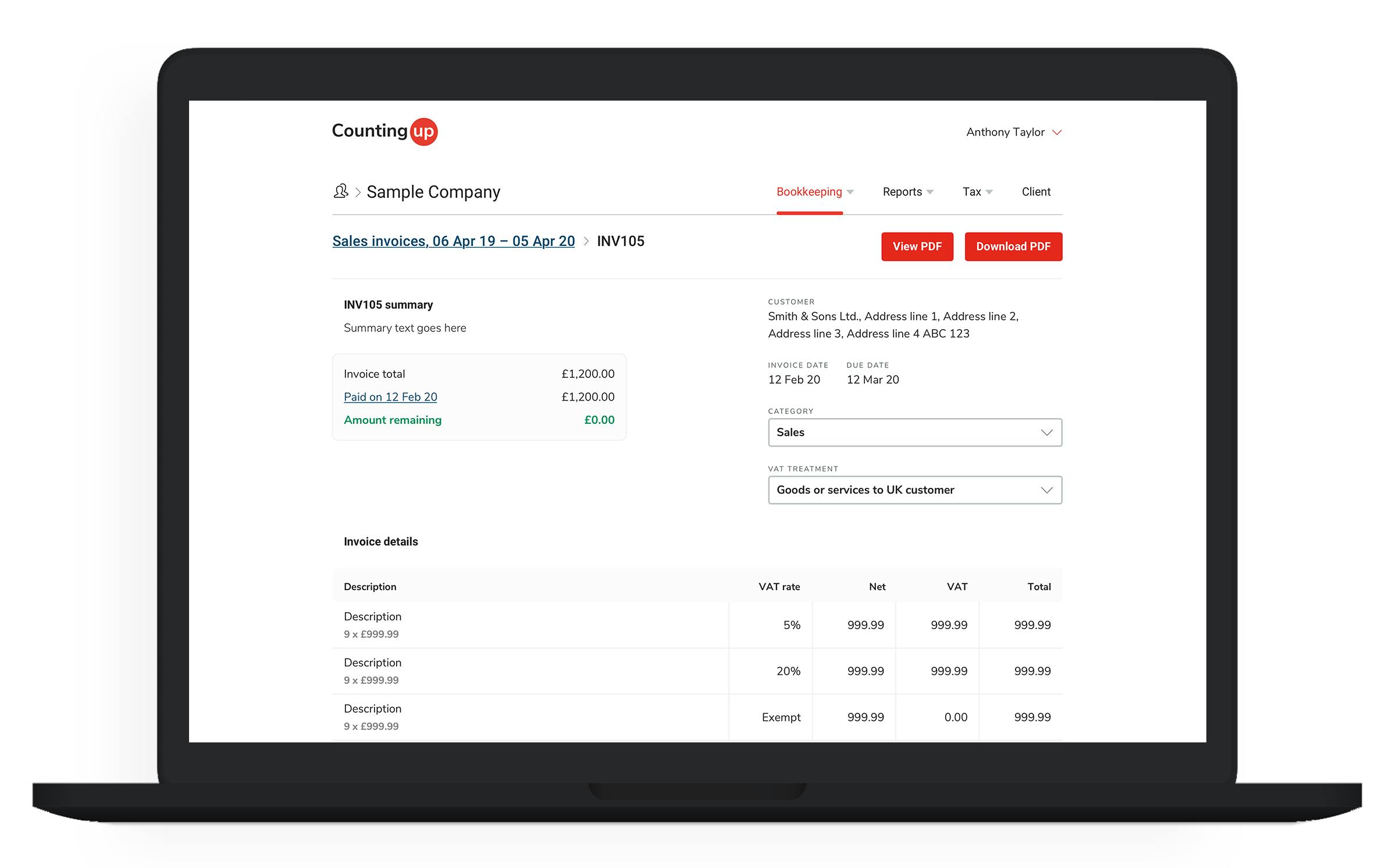
- On the invoice details screen, use the ‘Category’ dropdown menu to set a new category